Curve Placement
The curve placement mode allows you to place scenes along a curve, this is useful to place fences, paths or other repeated elements.
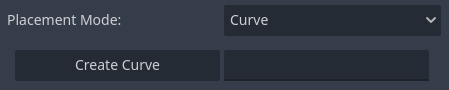
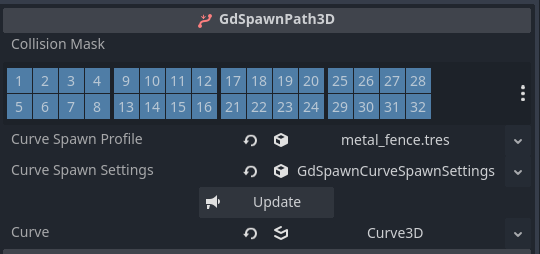
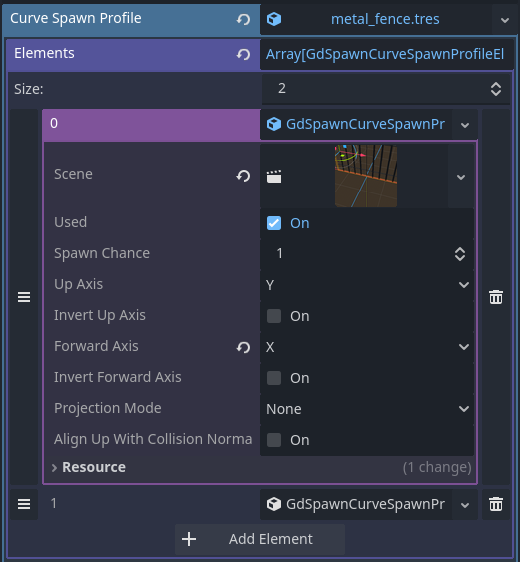
You can create a curve under the current spawn parent with the given name. The collision mask and the Curve Spawn Profile on the GdSpawn node (see Interface) will be used to create a GdSpawnPath3D. The Curve Spawn profile lets you select which scenes should be spawned with their spawn chance (between 0-100) and whether or not it should be used. You can also set which axis should be considered the up/forward axis.
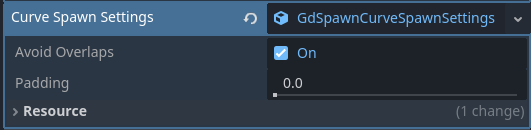
The curve spawn settings lets you choose whether or not the scenes should be placed tryng to avoid overlaps using the scene aabb, and the padding between scenes.
Once the curve is added to the scene, you can manipulate it using the toolbar in the 3D editor, similar to regular Path3D.
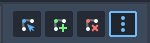
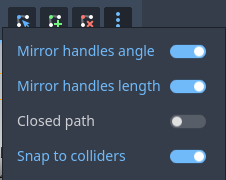
The options let you choose the handles behavior and whether to snap to colliders according to the curve collision mask (on by default).
Once the curve is added you can change its properties in the inspector and maunally update it if necessary.